

Turn pre-recorded videos into 24/7 YouTube live streams.
Jazz Paris café on a 24/7 loop. Multistream pre-recorded videos to YouTube, Twitch, Kick or any RTMP platform at once, from the cloud. No OBS, no computer left running.
How to start a
24/7 live stream
- 01 /
Connect a destination
Link your YouTube channel, or paste an RTMP stream key from Twitch, Facebook Live or any other platform. Multistream to up to 5 destinations at once from one stream.
- 02 /
Pick your quality
720p to 4K, 24 to 60fps, portrait or landscape to match your videos. You see the hourly and monthly price before you pay.
- 03 /
Add your videos
Upload video and audio, or import from Google Drive: MP4, MKV, MOV or AVI with AV1, HEVC or H.264. Each file can be up to 15 GB.
- 04 /
Start the $1 trial and go live
Pay $1 by card to start a 7-day trial at your quality, or top up credits by card or crypto and pay as you go. Start now or schedule it, then close your laptop.
- 05 /
Edit while it's live
Swap videos, reorder, change the rules. Changes apply to the running stream almost instantly, without a restart.




Why should you stream 24/7?
A 24/7 live stream stays live, so new viewers can find it at any hour.
An audience that's already there
YouTube says over 30% of its daily logged-in viewers watched live content in Q2 2025. A looping stream keeps something live on your channel, without you going live manually.
Discovery that uploads never get
Live streams get their own placements: the Live tab, Notify Me alerts, live rings on your avatar, and Shorts-feed discovery for vertical streams.
A channel that feels alive
A 24/7 stream becomes a room people return to for studying, sleeping or focus, not a video they watch once. Ambient, lo-fi, nature, sermons, podcasts, DJ sets: if it loops, it works.
Ad revenue around the clock
On a monetized channel, pre-roll, mid-roll, side-by-side and display ads can run whenever someone tunes in, at any hour.
Super Chat & memberships
If your channel is eligible, live chat keeps Super Chats, Super Stickers, memberships and members-only chat open at any hour.
Sell from the stream
Send viewers to merch, courses, music or your own store. YouTube Shopping can tag products right on the stream.
Stream your archive
Old uploads, podcast episodes, sermons, music catalogs and event recordings can run as a live channel instead of sitting buried.
New to it? See the 9 real advantages of live streaming pre-recorded videos.

Always on,
with automatic recovery.
The stream runs entirely on our servers. There is no local encoder and nothing to keep running on your end. Every stream is health-checked around the clock and restarted automatically when it stalls.
Failover
Encoding runs on a pool of workers with standbys. If a worker stalls for 15 seconds, a standby takes over and resumes the stream from where it left off.
Monitoring
Every stream is health-checked every second. Stalls are detected and the stream restarts itself. If it can't recover within 10 minutes, it is marked as failed so you can restart it.
Your computer
Everything runs in the cloud: no OBS, no encoder, no machine left humming in a closet. Close the laptop the moment you go live.
Multistream to YouTube, Twitch, Kick,
or any RTMP destination
Multistream one 24/7 stream to up to 5 destinations at once, with no restreaming service in between. Connect YouTube directly through the official API; everything else takes a stream key you copy yourself. At most one YouTube channel per stream: one destination is included and each extra one adds an hourly charge. We never ask for your login, and keys are encrypted at rest.
The studio: playlists,
destinations, scheduling
Everything a channel needs in one place: build the playlist, point it at a platform, schedule the loop, and watch it run. No tabs full of platform dashboards.

Add videos and audio to your stream playlist. Each item plays in the order you set, or goes wild on shuffle.

Play the intro once, then shuffle the rest. Never the same video twice in a row
Building the order…
Done. cafe-lumen-intro.mp4 opens the stream, then the other four clips follow in a shuffled order, the same every cycle until you change it.
Describe the play order in plain English. Streamloop builds it, you preview it, and it applies to the running stream.

Multistream to any platform that supports RTMP, up to 5 destinations at once. YouTube connects directly, no stream key needed.
Schedule streams to start and stop exactly when you want. Type it like you'd say it.


Every stream at a glance, live, scheduled, or idle, with stats pulled in so you never open the platform dashboard.
When a loop is not enough, build a live channel.
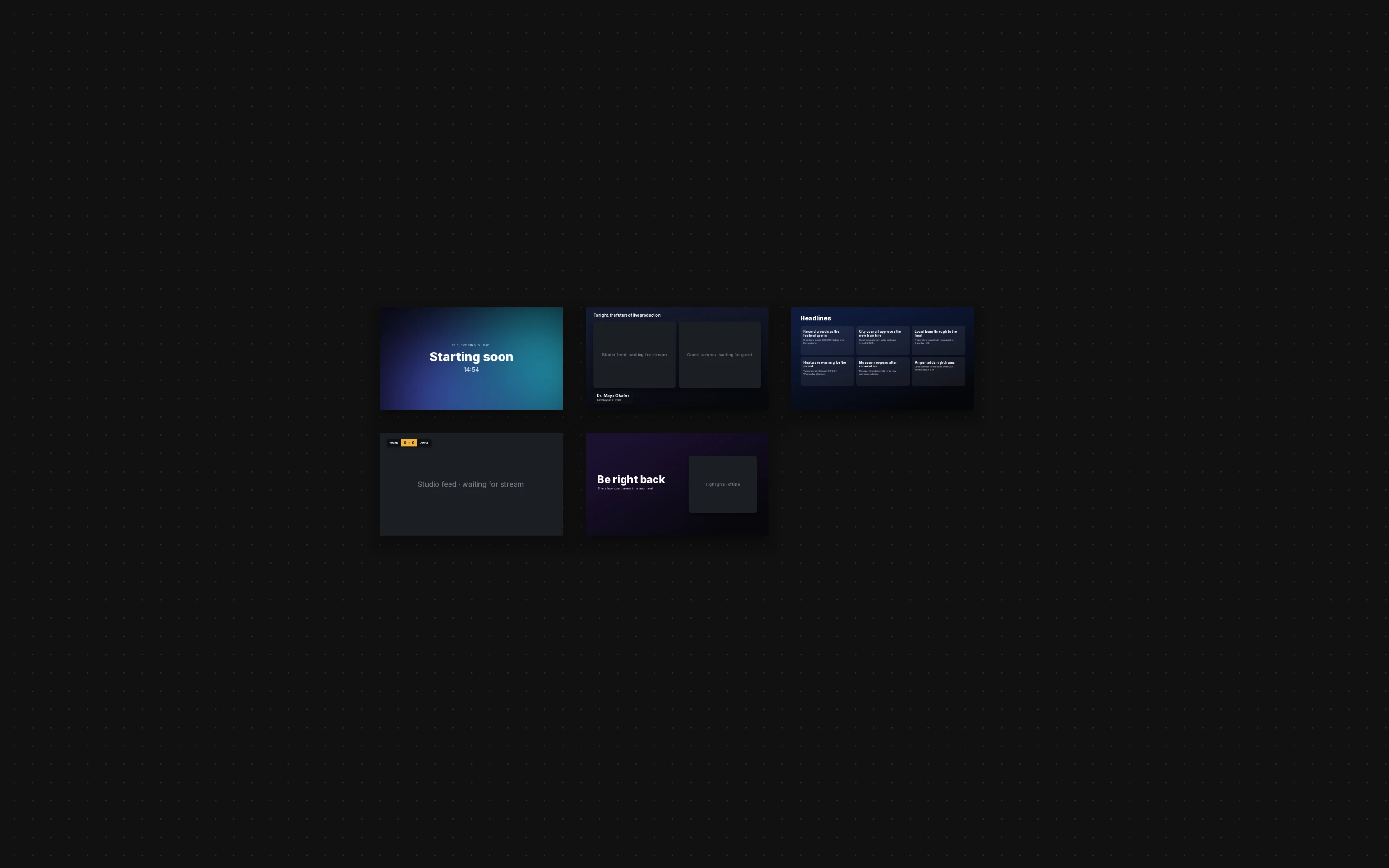
Live Scenes is a cloud playout studio in your browser. Put graphics, tickers and live data over your videos, mix in feeds from OBS, encoders and IP cameras, and let schedules and rules run the show. The cloud renders it once and sends it to every destination.
- RTMP, SRT, RTSP and HLS inputs next to your playlists
- Graphics bound to Google Sheets, CSV or any JSON API
- Schedules, triggers and an assistant that drafts changes for you to approve

Your agent runs the channel too.
Streamloop exposes a programmatic surface over MCP. An agent can create streams, manage playlists, schedule broadcasts and hot-swap content while live, everything you can do in the studio. Not for video hosting or transcoding.
https://mcp.streamloop.app/mcpListed in the official MCP Registry. Works in Claude, ChatGPT, Cursor and Claude Code, or any client that speaks Streamable HTTP.

Put my lofi videos on a 24/7 stream at 1080p and send it to YouTube and Twitch.
list_uploads5 videos · 9 h 12 mincreate_stream“Lofi Study Radio 24/7” · 1080p 30fpsapply_playlist_operations5 videos added, in orderadd_stream_destinationYouTube · Lumen Lofiadd_stream_destinationTwitch · lumenloficheck_stream_readinessready, nothing blockingstart_streamstate: live
Lofi Study Radio 24/7 is live on YouTube and Twitch. It runs until you stop it, and I can swap videos while it’s on air.
- 67 tools
- Streams, playlists, destinations, schedules, smart order, usage and scenes. Anything you do in the dashboard.
- OAuth sign-in
- No API key to paste. You sign in to Streamloop and approve once, and the agent sees only your workspaces.
- Safe by default
- Deletes need an explicit confirm, changes viewers would see are flagged so your client asks first, and no tool can spend money.
- start a 1080p loop of intro.mp4 on my channel
- schedule the marathon playlist for Friday 6pm
- swap in the new episode without stopping the stream
≈ US$10 / mo for one stream running 24/7 (720 h)
No plan needed: top up by card or crypto and pay as you go. If credits run out, the stream pauses with your setup saved.
- First week$1 · ANY QUALITY$1 FOR 7 DAYS
- Destinations1 INCLUDED · UP TO 5
- CommitmentNONECANCEL ANYTIME
- Credit expiryNEVER
- PaymentCARD OR CRYPTO
$1 by card covers 7 days of one stream at 1080p 30fps. Then US$10/mo, charged on day 7 and every month after. Cancel in the trial to pay nothing more.$1 by card for 7 days at 1080p 30fps. Then US$10/mo, charged on day 7 and every month after. Cancel during the trial and pay nothing more.
Running more than a few channels?
Volume rates, SLA-backed support, invoice billing, and programmatic control over every stream. A plan shaped around your fleet instead of a price card.
Frequently asked questions
What is Streamloop?+
Streamloop turns playlists of pre-recorded videos into 24/7 live streams on YouTube, Twitch, Facebook Live, and any RTMP platform. Upload your videos, arrange them in the order you want, and Streamloop broadcasts them as a continuous live stream from the cloud, with no OBS and no computer left running.
How does pricing work?+
You pay for stream hours, priced by quality and framerate. New customers can start with a $1 trial that covers one stream running 24/7 for 7 days at any quality. After that, a monthly plan for your quality adds credits for one 24/7 stream ($10/mo at 1080p 30fps), or you can skip the subscription and top up credits by card or crypto. Each destination after the first adds an hourly charge. Credits never expire.
Is there a free trial?+
There are no free signup credits. Instead, you can try any quality for $1/week: a $1 card payment starts a 7-day trial that covers one stream running 24/7 at the quality you pick, up to 4K 60fps. A card is required for the trial.
What platforms are supported?+
Any platform that supports RTMP streaming: YouTube, Twitch, Facebook Live, Kick, TikTok, X, and any custom RTMP endpoint.
What video quality is supported?+
Streamloop supports HDR and SDR streaming at up to 4K (2160p) and 60fps. Choose between 720p, 1080p, 1440p, and 2160p. The destination and playback device must support HDR for viewers to see it.
Can multiple team members use Streamloop?+
Yes. Multi-user team access lets multiple people work in the same Streamloop workspace with their own sign-ins, so your team does not need to share one account password.
Can I schedule streams?+
Yes. Set a start time and your stream goes live automatically. You can also set an end time or let it run indefinitely.
What happens if I run out of credits?+
Your stream will be paused. Add more credits and restart, and your configuration is saved.
Show all 25 questionsShow fewer
How do I contact support?+
Email us at contact@streamloop.app. We aim to respond within 24 hours.
Can I stream to multiple platforms at once?+
Yes. One stream can go out to up to 5 destinations at the same time, with at most one YouTube channel per stream. One destination is included; each one after the first adds an hourly charge by resolution. For a stream running 24/7 that is about $3.50/mo at 720p, $6 at 1080p, $8 at 1440p and $12.50 at 4K per extra destination. For the setup steps and other ways to stream to several platforms, read how to multistream.
What file formats are supported?+
MP4, MKV, AVI, MOV, and most common video formats.
Is there a file size limit?+
Each file can be up to 15 GB, on every plan and during the trial.
Do I need to keep my computer running?+
No. Streamloop is fully cloud-based: your stream runs on our servers, not your machine. Start your stream, close your laptop, and it keeps going.
Is looping pre-recorded content allowed on YouTube and Twitch?+
Yes. Streaming pre-recorded video via RTMP is permitted on major platforms. You're not re-uploading content, you're broadcasting it as a live stream. Just make sure the content itself follows the platform's community guidelines.
How do I get started?+
Sign up, connect YouTube or paste a stream key from any RTMP platform, pick your quality and upload your videos. Then start the $1 trial (or top up credits) and hit start. For each step on YouTube, read how to run a 24/7 YouTube live stream.
Do you need access to my YouTube or Twitch account?+
For Twitch, Facebook and other RTMP platforms, we only need your stream key, never your password. For YouTube you can optionally connect through Google's official OAuth, which grants limited streaming permissions you can revoke anytime; we never see your credentials.
What's the difference between Streamloop and using OBS?+
OBS runs on your computer, which means your machine needs to stay on, connected, and stable the entire time. Streamloop runs in the cloud, so your stream stays live even if your computer is off. We also handle stream monitoring and recovery automatically.
What happens if my stream goes down?+
Streamloop health-checks every stream around the clock. If a stream stalls, it is restarted automatically and picks up where it left off. If it can't recover within 10 minutes, it is marked as failed so you can restart it from the dashboard.
What happens when the $1 trial ends?+
On day 7 the monthly plan for the quality you picked is charged to the same card, for example $10/mo at 1080p 30fps, and it renews every month. Cancel from Billing during the trial and you pay nothing more. You can also cancel later; credits already in your balance stay yours.
What payment methods do you accept?+
Credit and debit card payments are processed by Stripe or Keepz. Cryptocurrency payments are processed by 0xProcessing. Pick whichever works for you at checkout.
Can I queue multiple videos in a playlist?+
Yes. Create a playlist, then upload multiple video and audio files and arrange them in any order - played in sequence or shuffled. The whole playlist runs as one continuous live stream, and you can add or replace videos while the stream is live.
How much does streaming actually cost in credits?+
It depends on the quality and framerate you choose. Higher resolution (like 4K) and higher framerate (60fps) use more credits per hour than a 720p/30fps stream. You can see the exact rates on our pricing page before you start.
Can I stream in vertical (portrait) mode?+
Yes. Streamloop supports both horizontal and vertical streaming, so you can match whatever format works best for your audience.
Is there a storage limit for uploaded videos?+
There's no hard cap. We operate on a fair usage basis: if your storage grows unusually large, we may reach out to discuss limits. For most users, this won't be an issue.
Is there a Streamloop Android app or APK to download?+
Streamloop is a web app: it works in any browser on Android, iPhone, or desktop, no install needed. There's no APK because there's nothing to download or update. Just open streamloop.app on your phone, sign in, and start a stream. All the heavy lifting (encoding, RTMP push, 24/7 uptime) happens in the cloud, not on your device, so it works the same on a $100 Android as on a high-end laptop.