
How to Get a TikTok Stream Key (and RTMP URL) in 2026
We are opening early access to TikTok RTMP streaming from Streamloop. If you have at least 1,000 followers, you can apply.
To get a TikTok stream key, your account needs TikTok LIVE access. TikTok then shows the Server URL and the Stream Key in LIVE Producer, its web page for computer streaming.
If LIVE Producer shows no key, your account does not have that access, and no app or service can make one.
This guide is from Streamloop, a cloud service for channels that run pre-recorded video, such as lofi or ambient video, as a 24/7 live stream.
On this page
Who can get a TikTok stream key?
You need TikTok LIVE access for computer streaming. To go LIVE at all, TikTok asks you to be 18 or older and to "Have 1,000 followers to go LIVE (may vary across regions)".
Computer streaming adds its own checks: account age, recent LIVE time, followers, and no recent suspension. TikTok gives no numbers for them: "The requirements vary by country or region and are subject to change without notice."
A 2024 TikTok article named 1,000 followers for gaming creators and 10,000 for others. Treat these as old numbers.
Where do I find my TikTok stream key and server URL?
In LIVE Producer, on a computer. TikTok has no help page for this screen, so these steps follow the Restream, Castr and OBSBOT guides.
- Sign in at tiktok.com on a computer, and select Go LIVE. TikTok opens LIVE Producer.
- Select the red Go LIVE button at the bottom of the page.
- Choose a category and a title, and select Save & Go LIVE. You are not live yet.
- Copy the Server URL and the Stream Key at the bottom of the screen.
TikTok publishes no fixed Server URL, so always use the one that LIVE Producer shows. Keep the key private, because anyone who has it can broadcast on your profile. Our test account has no LIVE access, so we cannot show this screen.
Do I need a stream key for LIVE Studio or OBS?
You need one for OBS, but not for LIVE Studio. LIVE Studio is TikTok's own desktop app: "Creators can use it by logging in to TikTok." It still needs LIVE access. The phone app needs no key either.
OBS, Streamlabs and cloud streaming tools need both the Server URL and the key. See which value goes in which field.
Does the TikTok stream key change every time I go LIVE?
TikTok does not say, but streaming tools report that it does. BIGVU reports a new key for each LIVE, valid for up to 2 hours. Restream says that the key changes each time you log out.
Copy both values again before each LIVE. TikTok documents no reset button.
Why is my TikTok stream key not showing?
Your account has no LIVE access for computer streaming, so LIVE Producer opens the LIVE Center home page instead.

LIVE Producer for an account without LIVE access, on October 14, 2026. The name and photo are hidden.
Common reasons:
- You miss a requirement, LIVE is limited in your region, or the account had a recent suspension. Check who can get a key, then apply.
- Your LIVE access trial ended. In 2023, TikTok said that a trial ends unless you go LIVE "for at least 25 minutes, twice during your first week".
- Security. In 2024, TikTok said that "due to security reasons, you may not be able to apply for access."
How do I apply for TikTok LIVE access?
Apply in LIVE Studio, TikTok's desktop app. Download it, sign in, and then:
- Select Your LIVE access in the top right corner.
- If you are an active TikTok LIVE creator, select Get access.
- If you stream on another platform, fill in the form about that channel, and select Apply.
If you miss a requirement, LIVE Studio shows it, and you can reapply. A form review "might take days", and TikTok tells you the result in the app.
TikTok does not say that LIVE agencies can give you a key, so never share your password with one. Not approved yet? Go LIVE from the phone app, or stream to another platform, such as YouTube.
Are TikTok stream key generator apps safe?
No. They are unofficial, no TikTok page supports them, and no app can create LIVE access. A real key comes only from LIVE Producer.
Two examples on GitHub are StreamLabsTikTokStreamKeyGenerator for a computer and TiktokGenerateRTMP for Android.
Using one can cost you the account. TikTok warns: "Repeated or serious violations, including attempts to bypass restrictions, may result in an account ban."
Can I loop a pre-recorded video on TikTok LIVE 24/7?
You can stream a loop if your account has LIVE access, but TikTok may demonetize it. Streamloop turns pre-recorded videos into a 24/7 live stream from the cloud, with your computer off and no OBS. It suits lofi, ambient and replay channels, because a stream that stays live lets new viewers find it at any hour.
On TikTok, Streamloop uses the Server URL and the key from LIVE Producer. Two TikTok rules matter:
- Monetization. TikTok may demonetize "looping videos that are presented to viewers as if they are authentic LIVE experiences". It may also demonetize content run "primarily through automated systems, such as AI or other third-party tools, without meaningful creator presence". The same goes for content that is "largely passive or unattended", and TikTok may use these checks for For You feed eligibility.
- Keys. Streamloop cannot get a key for you, so you need LIVE access first. If TikTok issues a new key for the next LIVE, update the destination.
An always-on loop fits YouTube better. For TikTok, see how to put a pre-recorded video on TikTok LIVE.
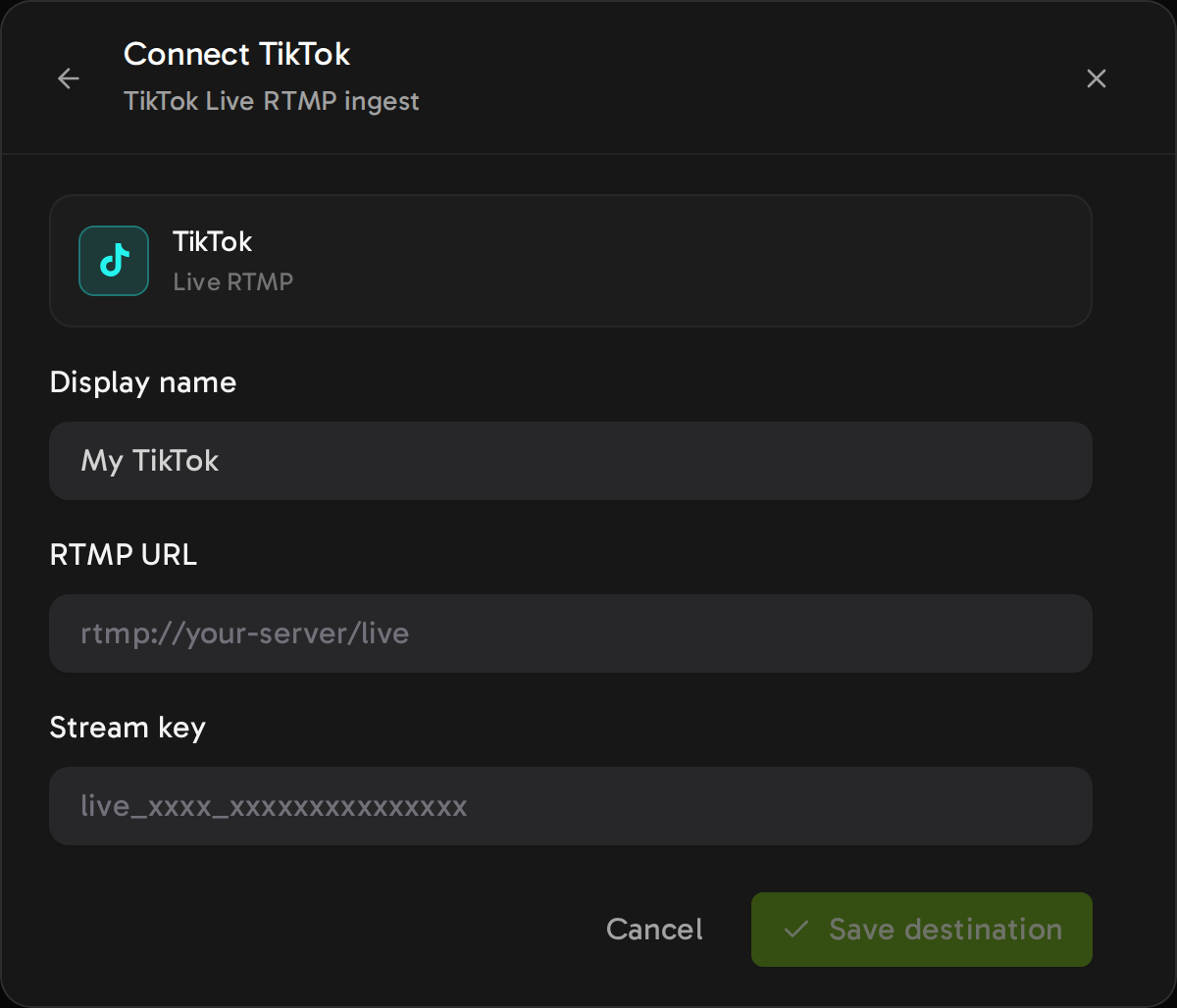
Streamloop asks for the Server URL and the key, never your TikTok password.
Try a pre-recorded loop for $1
Streaming is billed by the minute, only while live: one 24/7 stream at 1080p is about $10 per 30 days. Start with a $1 trial week, which becomes a monthly plan unless you cancel, or top up and pay as you go.
Frequently asked questions
Where is the TikTok stream key?
In LIVE Producer on the TikTok website, next to the Server URL, after you set up a LIVE. An account without LIVE access gets no key.
What is TikTok's RTMP server URL?
TikTok does not publish a fixed one. LIVE Producer shows the Server URL next to the key, so copy that exact value each time you go LIVE.
Does the TikTok stream key expire?
TikTok does not say. Streaming tools report a new key for each LIVE, or after you log out, so copy the key again before each LIVE.
Can I reuse the same stream key?
Do not count on it. TikTok gives no rule, so paste the current key and Server URL into OBS or Streamloop before each LIVE.
Do I need OBS to use a TikTok stream key?
No. Any RTMP tool can use the key, for example Streamlabs, or cloud tools such as Castr and Streamloop. LIVE Studio needs no key, because it uses your TikTok sign-in.
Why can I go live on my phone but not get a stream key?
Streaming from a computer has its own rules: account age, recent LIVE time, followers, and no recent suspension. In LIVE Studio, select Your LIVE access to see which rules you miss.
Where does this information come from?
Sources
TikTok Help Center: What is TikTok LIVE?
TikTok LIVE Studio Help: Apply for LIVE access, updated February 11, 2025.
TikTok LIVE Creator Hub: TikTok LIVE Studio access (2024) and FAQs of LIVE Studio (2023).
TikTok LIVE Monetization Guidelines, and the Community Guidelines on TikTok LIVE.
Streaming tool guides on how to find a TikTok stream key: Restream, Castr, OBSBOT and BIGVU.
Checked on October 14, 2026 against TikTok Help, tool guides from Restream, Castr, OBSBOT and BIGVU, and the Streamloop dashboard. A correction? Contact us
Changes
June 5, 2026: first version.
October 14, 2026: we rewrote the guide from TikTok's own access rules, named the tool guides behind each step, and added a screenshot.
October 15, 2026: we made the guide easier to read.