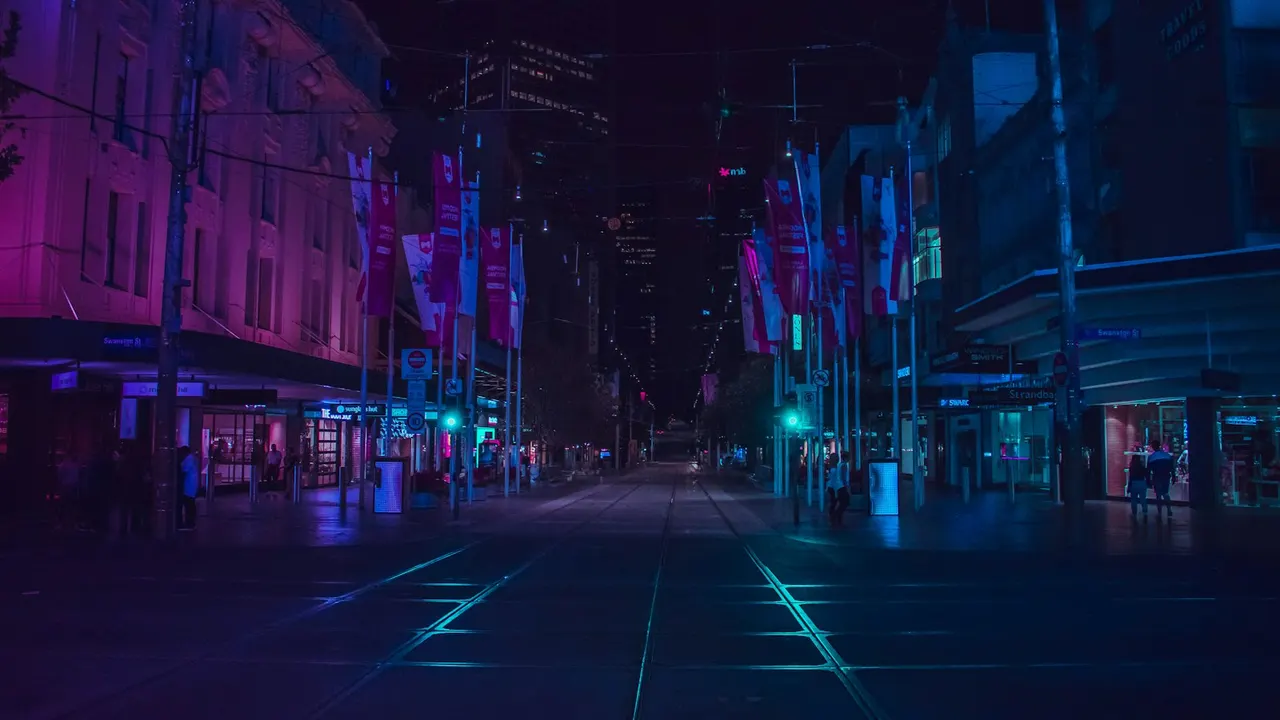
One video under hours of music
The video repeats for as long as the stream runs, and your tracks play over it with its own sound muted. There is no 10 hour file to render.

Use case
Upload one looping video and your tracks as a separate playlist. Ask Smart order to shuffle the songs and play your station ID every few tracks. Streamloop streams it to YouTube and Twitch around the clock, so your computer can be off.
Streaming is billed by the minute, only while live: one 24/7 stream at 1080p is about $10 per 30 days. Start with a $1 trial week, which becomes a monthly plan unless you cancel, or top up and pay as you go.
An example loop, Night Shift Radio: one looping video and an audio playlist of 18 songs and 2 station IDs, live on YouTube and Twitch. Asked to shuffle the songs and play a station ID after every 4 tracks, Smart order shows a preview of the order, ready to apply.
An example. Your playlist changes only when you apply the order.
The video repeats for as long as the stream runs, and your tracks play over it with its own sound muted. There is no 10 hour file to render.
Upload files, reuse them from your library, or paste a Google Drive, SoundCloud or direct link. MP3, WAV, FLAC, AAC, M4A, OGG and AIFF, up to 15 GB a file and 1,000 tracks per playlist. Playlists over 15 GiB in total use extra storage, free for the first 30 GiB and then $0.35 per GiB-month while the stream is live.
Drop new songs on the audio playlist or change the order, then publish. The change starts when the current track ends.
Streamloop runs the stream on its servers around the clock and sends one picture to every platform. If the connection drops, it reconnects on its own.
Sign in to YouTube once and Streamloop handles the stream keys, titles and schedules. Twitch and the other platforms take a server URL and stream key, and every platform gets the same picture and music.
If the connection drops, Streamloop restarts the stream by itself, and you are billed only while it is live. If it cannot recover within 10 minutes, the stream shows as failed.
On Shuffle, the audio playlist plays in random order and no track comes back until every track has played. Then a new round starts.
What a music channel on Streamloop does, and what it does not.
Only upload tracks you own or have a licence to stream. Other music can get copyright claims or strikes that end the stream.
Audio alone cannot go live. Add at least one video in MP4, MOV, MKV, WebM, AVI, MPEG or MXF. A short clip repeats for as long as the stream runs. This is a video stream, not an audio-only radio server.
A loop plays your video and music and adds no text on screen. Live Scenes adds text and graphics layers over the video.
One track ends and the next starts. There is no crossfade between them.
A new order or new tracks start when the track on air ends, not in the middle of a song.
One stream goes to up to 5 platforms at once. YouTube connects by signing in, the others with a stream key.
No. You upload the files once and the stream runs on Streamloop's servers, so you can close the browser and turn the computer off. Our guide to running a 24/7 live stream from pre-recorded video walks through the setup.
No. Keep each song as its own file in the audio playlist, next to one looping video. The audio playlist has its own order, so you can shuffle it and add songs later without rendering anything.
Ask Smart order. Add your IDs to the audio playlist with a name a rule can find, such as Night Shift ID 1. Then open Loop behavior, choose Smart order and write something like: shuffle the songs and play a Night Shift ID after every 4 tracks. Check the preview and apply it. Creating an order is free.
On YouTube, sign in with Google and Streamloop manages the stream keys, titles and schedules. You can also turn on Backup stream, which sends to YouTube's backup ingest too and doubles the streaming cost. On Twitch, paste the server URL and stream key, and our 24/7 Twitch stream guide covers the rest.
Yes. One stream can go to up to 5 platforms at once, with one signed-in YouTube channel. Each platform after the first adds to the price while it is live.
Not on a plain loop, which adds no text on screen. Live Scenes adds text and graphics layers on top of your video and music, as a separate product with its own price. Live Scenes is billed by the minute, only while live: one 1080p channel at 30 fps, live 24/7, is about $20 per 30 days.
Streaming is billed by the minute, only while live: one 24/7 stream at 1080p is about $10 per 30 days. Start with a $1 trial week, which becomes a monthly plan unless you cancel, or top up and pay as you go. Playlists over 15 GiB in total also use extra storage. A second channel, say jazz next to lofi, is a second stream billed the same way. See all prices.
Not in the audio-only sense. Streamloop streams video with sound to YouTube, Twitch and other platforms. It does not serve an audio stream to radio players or apps.
Upload one video and your tracks, ask Smart order for the running order, and go live.