
How to Stream 24/7 Without Keeping Your Computer On
To keep a stream live with your computer off, the video has to play from a server instead of your PC. Upload it once to a cloud streaming service, connect YouTube, Twitch, Kick or any RTMP platform, and start. The server loops it 24/7. On Streamloop that costs $14 a month at 1080p30, or $8 at 720p, with a $1 trial for the first 7 days.
OBS can't do this by itself. It runs on your computer, so when the computer sleeps, updates or loses power, the stream ends. Below are the ways around that, what each costs, and the setup.
- Platforms
- Up to 5 per stream
YouTube, Twitch, Kick, Facebook, TikTok, X, LinkedIn or any RTMP server.
On this page
Which ways work with the computer off?
Anything that moves the playback to a server works. The setups differ in who runs that server and how the price grows.
| Setup | Computer can be off | Loops nonstop | Cost | You look after |
|---|---|---|---|---|
| OBS on your computer | No | Only while the computer stays on | Free | The computer, OBS and your connection |
| OBS or FFmpeg on a rented server | Yes | Yes | The server's rent | The server, updates and restarts |
| Upstream | Yes | Yes | Free for 24 hours a month, then $30 a month per stream | Nothing |
| Restream Upload & Stream | Yes | One video up to 10 times, up to 40 hours | Add-on from $39 a month | Nothing |
| Streamloop | Yes | Yes | $14 a month at 1080p30, or pay as you go | Nothing |
Where something else is the better pick
- You stream only a few hours a month. Upstream's free plan gives 24 hours at 1080p30 with no card. Streamloop has no free plan.
- You stream to 4 or more platforms. Upstream includes up to 10 in its $30, while Streamloop adds $6 per extra platform at 1080p30 and stops at 5.
- You want to show one new video once, at a set time. A YouTube Premiere is free and plays the upload with viewers in real time, up to 1080p.
- You already run Linux servers. FFmpeg on a rented server costs only the rent; our FFmpeg loop guide has the commands.
For a price comparison of 13 services, see the best 24/7 streaming services.
Competitor details from upstream.so/pricing, restream.io/upload-and-stream and YouTube Help, checked on November 23, 2026.
How do you set up a stream that runs without your PC?
Five steps in Streamloop. The 24/7 live stream guide covers YouTube settings, scheduling and replays in more detail.
Create a loop
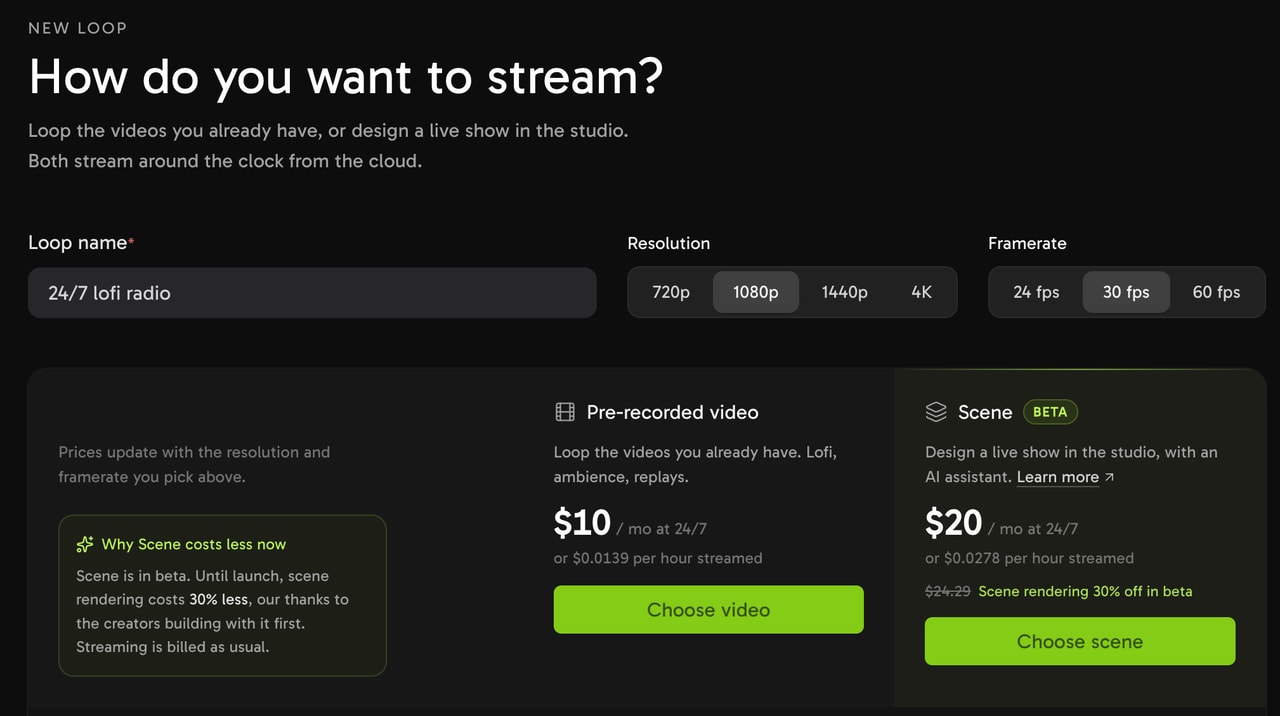
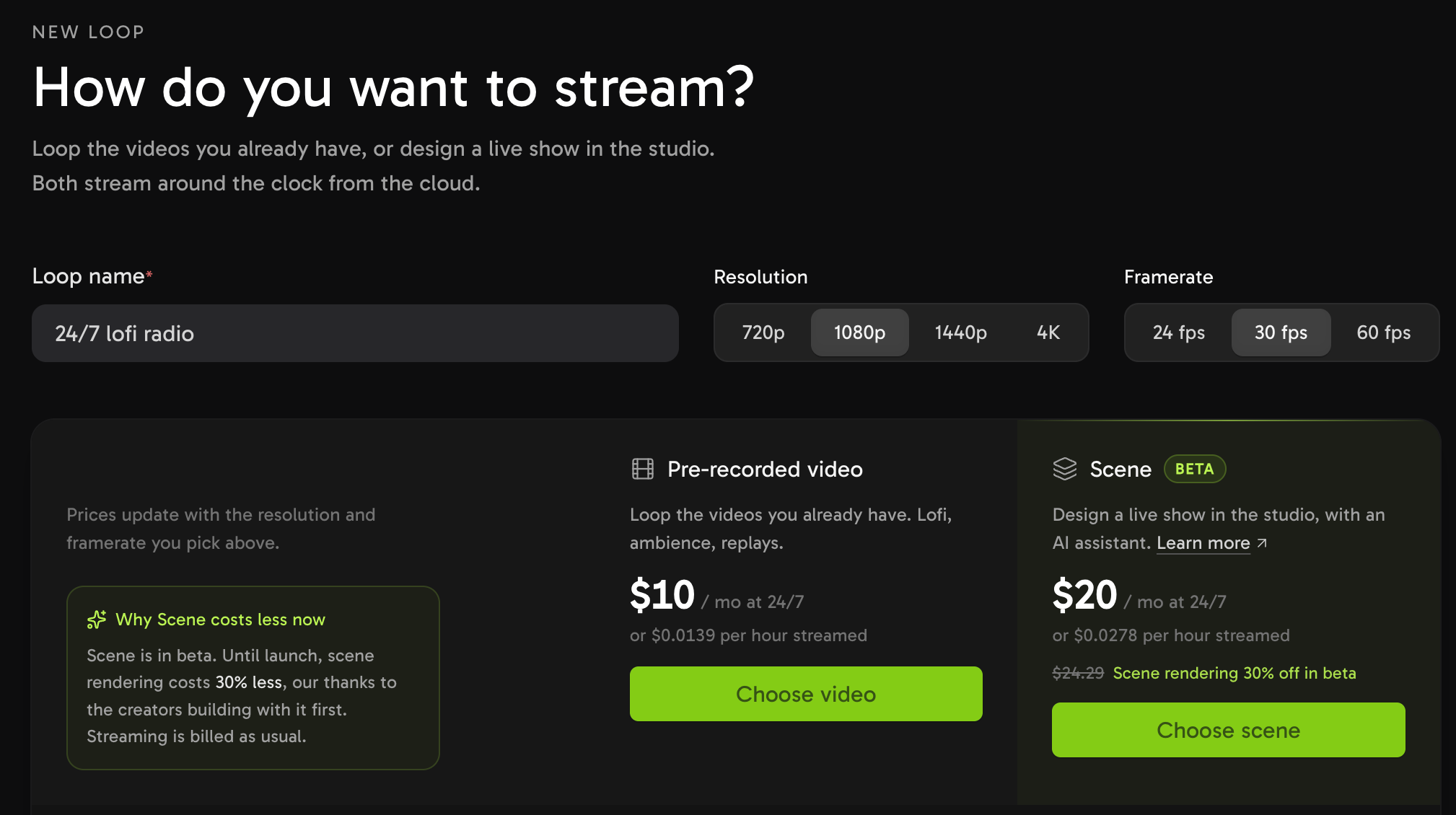
Sign up at streamloop.app. Open Loops, select New loop, and under Pre-recorded video select Choose video.
Add your videos
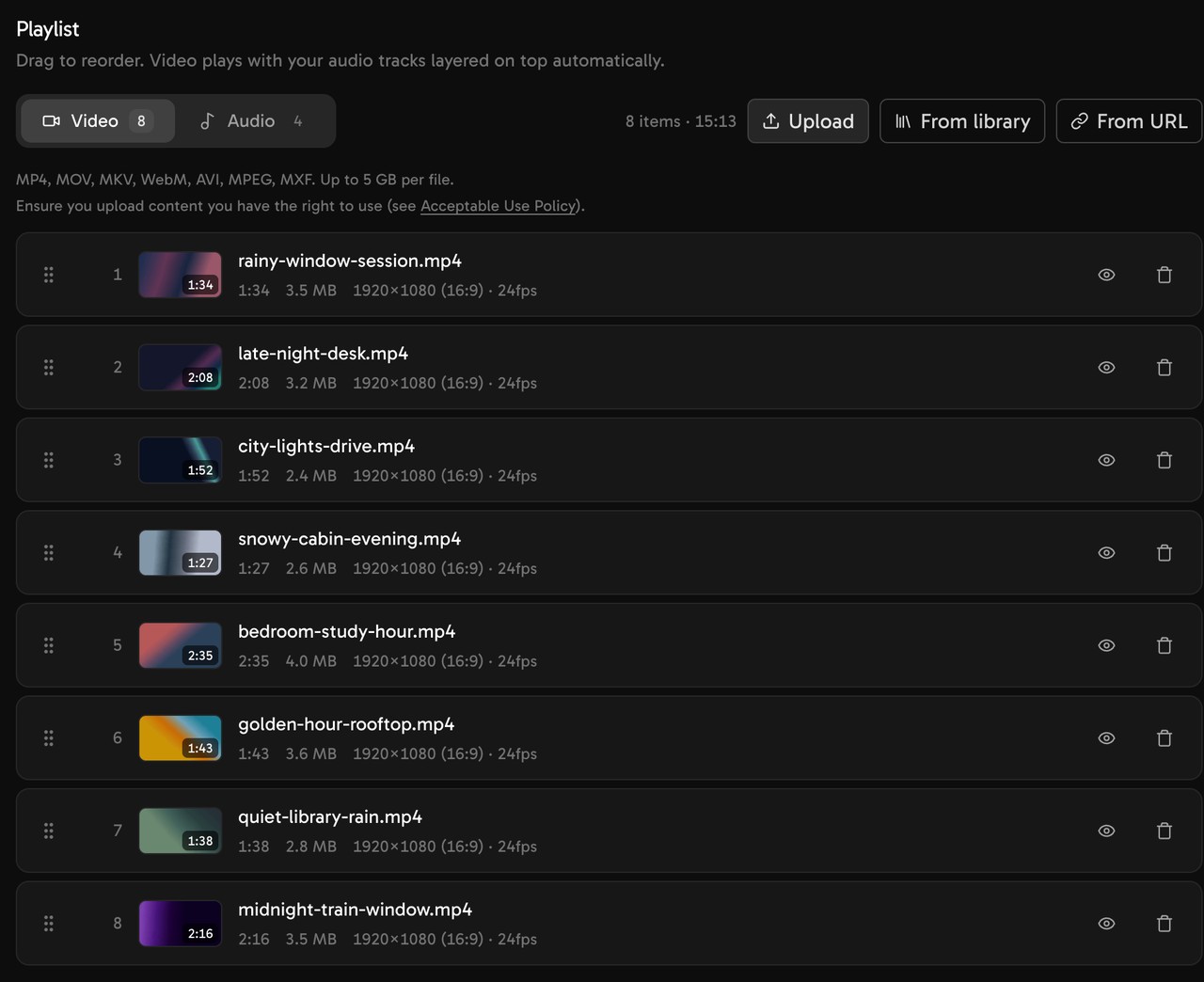
In the Playlist tab, upload files of up to 15 GB each, or import a Google Drive file or folder, a YouTube link or a direct file URL. One video is enough: it repeats for as long as the stream runs.
Pick the quality
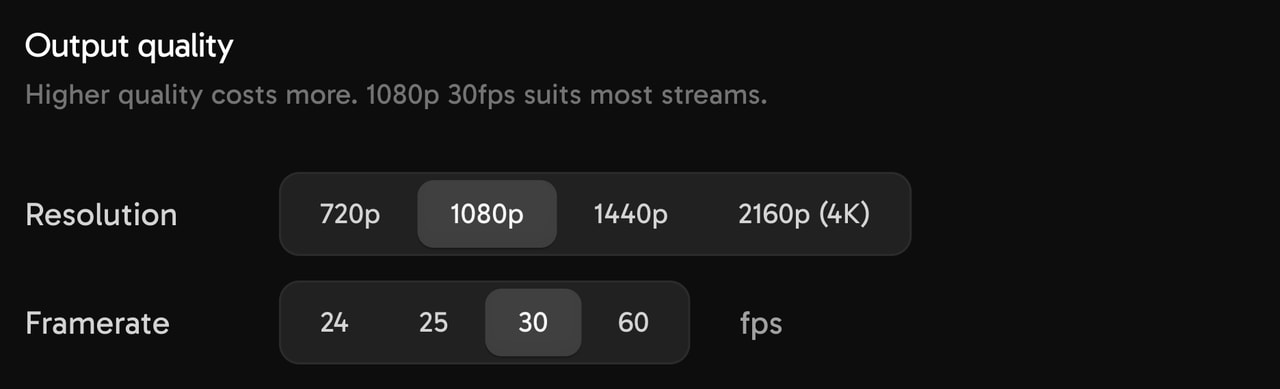
In the General tab, choose 720p, 1080p, 1440p or 4K, at 30 or 60 fps. 1080p at 30 fps suits most channels.
Add your platforms
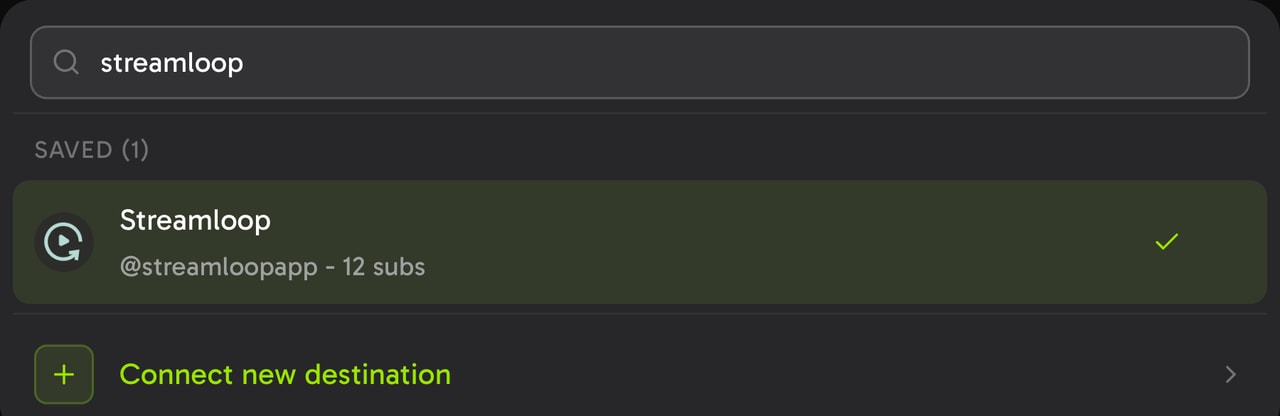
Connect YouTube by signing in with Google, or paste the stream key from Twitch, Kick, Facebook or any RTMP platform. Streamloop never asks for your platform password. One stream can go to up to 5 platforms; see how to multistream.
Start, then turn the computer off
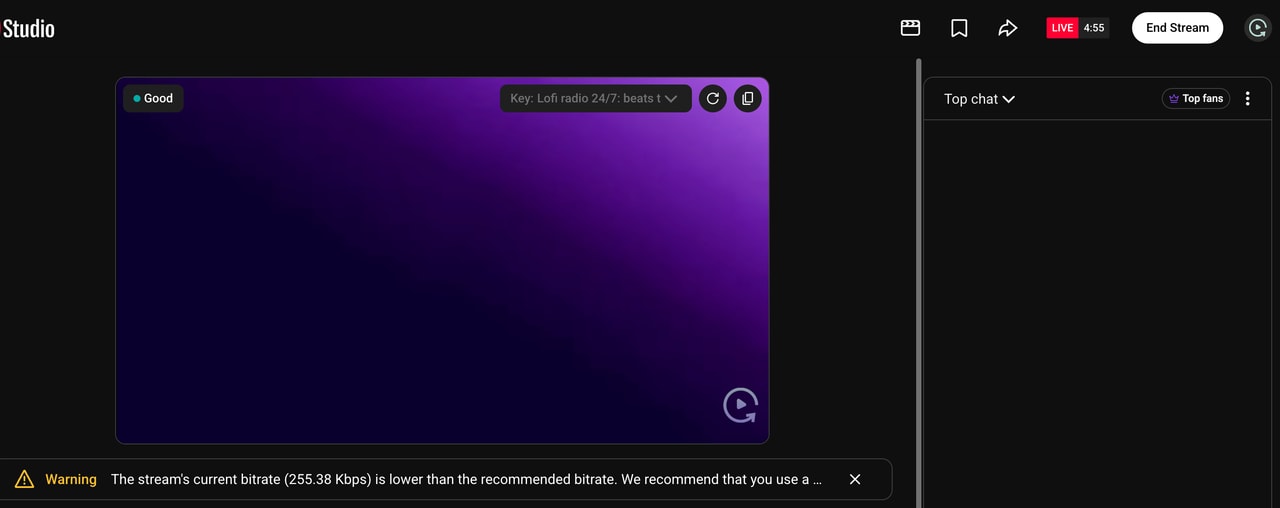
Select Start stream. A new account can start the $1 trial here. When the status card shows Live, close the laptop: the stream keeps going on Streamloop's servers.


What does it cost to stream 24/7 without a PC?
One price per stream, set by its quality, with unlimited hours.
| Resolution | 30 fps | 60 fps | 30 fps, billed yearly (per month) |
|---|---|---|---|
| 720p | $8 | $12 | $6.67 |
| 1080p | $14 | $21 | $11.67 |
| 1440p | $18 | $27 | $15 |
| 4K | $28 | $42 | $23.33 |
Price per stream to one platform. Each extra platform at 1080p30 adds $6 a month. Pay as you go costs about $0.022 an hour at 1080p30, charged per minute live.
Stream 24/7 with your computer off, for $1.
One 24/7 stream at 1080p30 costs $14 a month, or $140 a year, live as many hours as you like. Or pay as you go by the minute from a prepaid balance. Start with a $1 trial for 7 days, which becomes that stream's monthly plan unless you cancel. See all prices.
Frequently asked questions
Can I live stream without a computer?
Yes, for pre-recorded video. Upload it once to a cloud streaming service, and its servers send the stream to YouTube, Twitch or any RTMP platform. You need the computer only for setup. A live camera still needs a device to send the feed.
Is there a cloud version of OBS?
Not from the OBS project. OBS is a desktop app: it runs on your computer, or on a cloud server you rent and look after. For pre-recorded video, a cloud streaming service replaces it, because it plays your uploaded files as the live stream.
What is the best OBS alternative for pre-recorded video?
For a 24/7 loop, a service that plays the files for you. Streamloop costs $14 a month at 1080p30 with unlimited hours and up to 5 platforms. Upstream costs $30 a month with up to 10 platforms, and has a free plan of 24 hours a month. For a live show with a webcam, OBS is still the right tool.
Does the stream stop if my internet goes down?
No. Once it starts, the stream runs on Streamloop's servers, so your connection plays no part. Streamloop monitors it around the clock and restarts it automatically if it fails.
Can I change the videos while it runs?
Yes. Add, replace or reorder videos while the stream is live. The changes apply almost instantly, without a restart.
Is there a free way to stream 24/7?
OBS on your own computer is free, but the computer has to stay on the whole time. Upstream's free plan covers 24 hours a month. Streamloop has no free plan; its $1 trial covers one stream for 7 days.