Church live streaming for Sunday and every day between
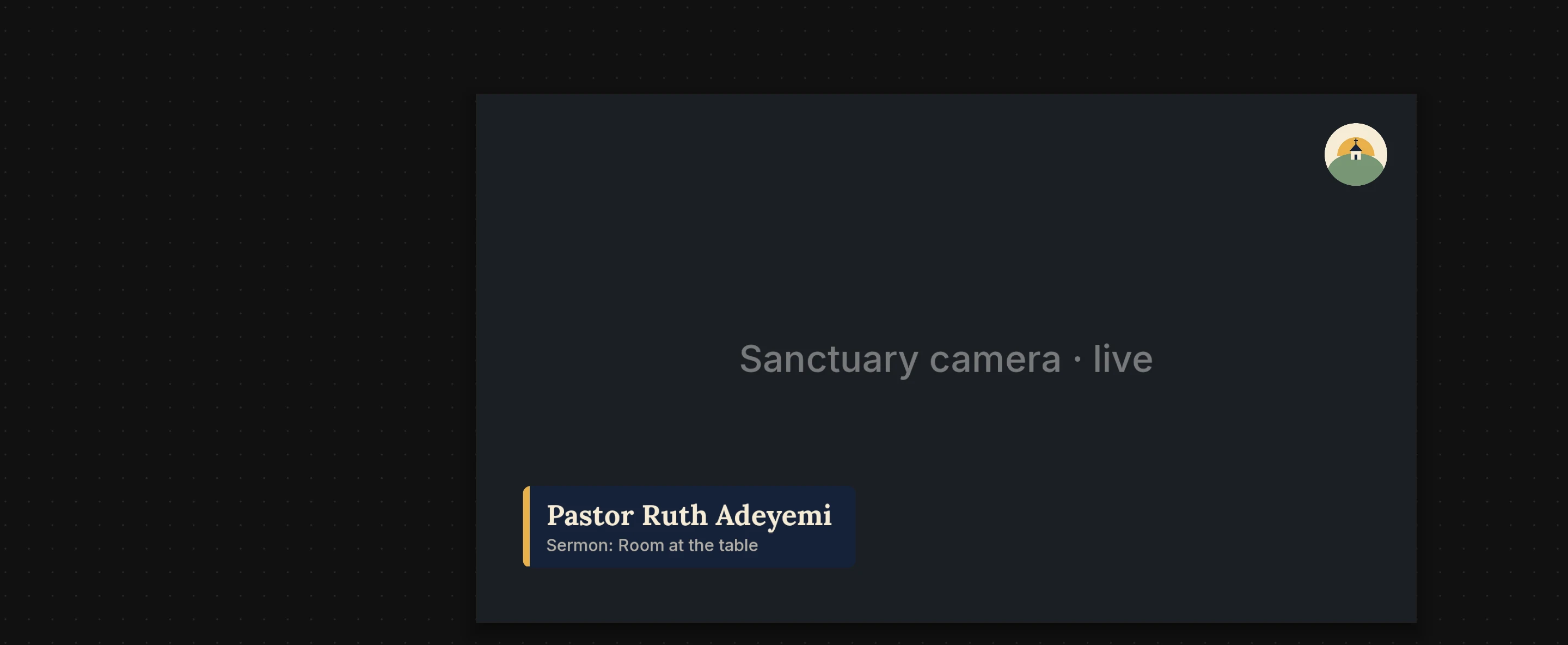
Streamloop is church live streaming in the cloud: the Sunday service goes out live to YouTube and Facebook with a countdown and the speaker's name on screen, and between Sundays your recorded services keep playing on YouTube with no computer left on at church. To build the Sunday show, just ask the Scenes assistant. To choose what plays during the week, just ask Smart order.
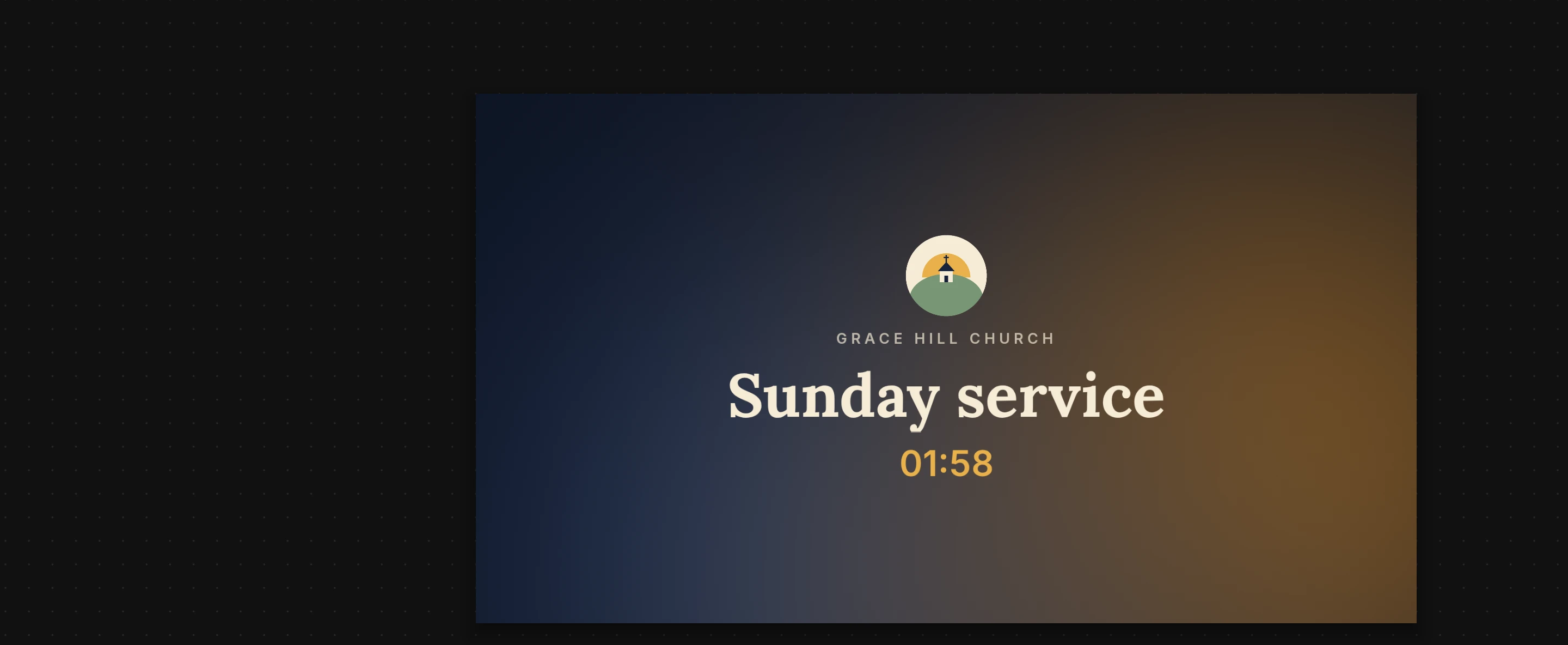
An example church on a Sunday morning: the countdown on air, then the service frame taken with one click. Viewers on YouTube and Facebook see the change right away.
Live streaming services for churches, set up once
On Sunday the service runs as a Live Scenes stream: a show built in the studio from your camera, your logo and your words. You build it once. Each week a volunteer starts it and takes the service frame when the service begins.
Your church camera, sent once
The camera computer or encoder at church sends one feed from OBS, vMix or a hardware encoder over RTMP, RTMPS or SRT, and an IP camera can be read over RTSP. Streamloop builds the show around that feed in the cloud, with your welcome loop and logo ready beside it. Here is how live inputs work.
Connect Facebook
Secure RTMP ingest
Facebook
Live RTMP
YouTube and Facebook from one stream
Sign in with YouTube once. Facebook connects with its persistent stream key: the server address is filled in for you and the key stays hidden. Both get the same service, and one stream can go to up to 5 platforms.
Between Sundays, the channel keeps playing
For the rest of the week, a loop keeps your YouTube channel live with your recorded services, the announcements and the hymn sing. A loop is a stream of your own videos, played on Streamloop's servers, so nothing stays on at church, and it is billed only while it is live. On Sunday morning, stop the loop before the service starts and start it again afterwards.
Last Sunday's service, added on Monday
Paste a Google Drive link in From URL, or upload the file, and the recording joins the playlist next to the welcome slide, the announcements and the Bible study. You can change the playlist while the loop is live: the change goes on air when the current video ends.
Import from URL
Paste a video link: Drive, YouTube, or a direct file URL. We'll inspect it before downloading.
We'll show every video and available quality before starting the download.
Press Space or Enter to pick up this item. Use the Up and Down arrow keys to move it, then press Space or Enter to drop it.1
2:00
welcome-slide.mp4
2:0046 MB1920×1080 (16:9) · 30fps
Press Space or Enter to pick up this item. Use the Up and Down arrow keys to move it, then press Space or Enter to drop it.2
3:40
announcements-oct-25.mp4
3:40132 MB1920×1080 (16:9) · 30fps
Press Space or Enter to pick up this item. Use the Up and Down arrow keys to move it, then press Space or Enter to drop it.3
1:24:10
sunday-service-2026-10-18.mp4
1:24:102.9 GB1920×1080 (16:9) · 30fps
Press Space or Enter to pick up this item. Use the Up and Down arrow keys to move it, then press Space or Enter to drop it.4
32:05
hymn-sing-oct.mp4
32:051.1 GB1920×1080 (16:9) · 30fps
Press Space or Enter to pick up this item. Use the Up and Down arrow keys to move it, then press Space or Enter to drop it.5
58:30
wednesday-bible-study-oct-21.mp4
58:302.1 GB1920×1080 (16:9) · 30fps
Press Space or Enter to pick up this item. Use the Up and Down arrow keys to move it, then press Space or Enter to drop it.6
6:15
youth-night-recap.mp4
6:15224 MB1920×1080 (16:9) · 30fps
7
sunday-service-2026-10-25.mp4
Importing 2%
The newest service first, by asking
Just ask Smart order something like "Play last Sunday's service first, then the announcements, then shuffle the hymn sing, the Bible study and the youth night recap." It writes the order and previews the next plays, and your playlist changes only when you apply it.
You
Play last Sunday's service first, then the announcements, then shuffle the hymn sing, the Bible study and the youth night recap.
Smart order
Done. Last Sunday's service opens the loop, then this week's announcements. After that the hymn sing, Bible study and youth night recap play shuffled, and the order starts over with the service.
Sunday service first, then shuffleVersion 1
sunday-service-2026-10-18.mp4, last Sunday's service, plays first, then announcements-oct-25.mp4. After them the hymn sing, the Bible study and the youth night recap play shuffled, and the order starts again.
Saved · Not applied
Current playlist preview
1sunday-service-2026-10-18.mp4
2announcements-oct-25.mp4
3hymn-sing-oct.mp4
4wednesday-bible-study-oct-21.mp4
5youth-night-recap.mp4
6sunday-service-2026-10-18.mp4
7announcements-oct-25.mp4
8youth-night-recap.mp4
You
Play last Sunday's service first, then the announcements, then shuffle the hymn sing, the Bible study and the youth night recap.
Smart order
Done. Last Sunday's service opens the loop, then this week's announcements. After that the hymn sing, Bible study and youth night recap play shuffled, and the order starts over with the service.
Sunday service first, then shuffleVersion 1
sunday-service-2026-10-18.mp4, last Sunday's service, plays first, then announcements-oct-25.mp4. After them the hymn sing, the Bible study and the youth night recap play shuffled, and the order starts again.
Saved · Applied
Current playlist preview
1sunday-service-2026-10-18.mp4
2announcements-oct-25.mp4
3hymn-sing-oct.mp4
4wednesday-bible-study-oct-21.mp4
5youth-night-recap.mp4
6sunday-service-2026-10-18.mp4
7announcements-oct-25.mp4
8youth-night-recap.mp4
Smart order
No scheduled breaks in this preview.
Smart order
No scheduled breaks in this preview.
Applied to your playlist
Before your first Sunday
What the setup needs from your church, and what stays with you.
Sunday needs your camera on
The live service needs the camera computer or encoder at church switched on and sending. The recorded channel between Sundays runs with every computer at church switched off.
Speakers come in through your camera
A visiting speaker appears through your own camera, or through a call you bring into OBS or vMix. Streamloop has no guest call link.
Up to 1080p for the live service
Live Scenes streams up to 1080p at 60 fps. A loop of recorded services can go up to 4K.
Worship music needs a licence
Stream songs you hold the rights to, through a streaming licence such as CCLI's or with your own music. YouTube and Facebook can mute or end a stream for music you do not hold rights to.
Facebook gets Sunday, not the loop
Facebook does not allow looping recorded video live on a Page around the clock. Send the Sunday service to Facebook and keep the all-week channel on YouTube.
No watermark
Streamloop adds no logo or watermark of its own. Viewers see your church's name and logo only.
Yes, for the live camera. OBS, vMix or a hardware encoder at church sends one feed to Streamloop, and Streamloop adds the countdown, the names and the platforms in the cloud. The recorded weeks need nothing at church. Our guide shows how to live stream church services step by step.
Can volunteers run it on Sunday?
Yes. The scene is ready before Sunday, so a volunteer starts the stream and presses Take on the service frame when the service begins. To build or change the scene, just ask the Scenes assistant. It works in a draft, and nothing reaches viewers until you publish.
Can we stream to YouTube and Facebook at the same time?
Yes. Add both to the Sunday service stream, and each gets the same picture and sound at once. Viewers watch and comment on each platform as they always do.
Can last Sunday's service play again at service time?
Yes. Put the recording in a loop and give it a weekly schedule, such as Sundays from 10:00 to 11:30, and it starts on its own each week. Our guide shows how to stream prerecorded church services, including what to check after a clock change.
Can we show a countdown before the service?
Yes. The Starting soon frame shows your church's name and a countdown to the time you set. When the service begins, take the service frame by hand, or ask the Scenes assistant to cut to it when your camera goes live.
What if the church internet drops?
Put a Backup chain on the service frame. It shows the first of its sources that is live, such as your welcome loop, while the camera feed is down, and goes back to the camera when the feed returns.
What does church live streaming cost? Is there a free option?
Live Scenes is billed by the minute, only while live: one 1080p channel at 30 fps, live 24/7, is about $20 per 30 days. Each extra platform adds $6 per 30 days at 1080p. So a 2-hour service at 1080p and 30 fps to YouTube and Facebook costs about $0.07. The recorded channel between Sundays is a loop, priced on its own. Streaming is billed by the minute, only while live: one 24/7 stream at 1080p is about $10 per 30 days. Start with a $1 trial week, which becomes a monthly plan unless you cancel, or top up and pay as you go. There is no free plan, and the $1 trial week is for a loop. See all prices.
Can we put the stream on our church website?
Yes, through YouTube or Facebook. Embed their player on your site and visitors watch the service there. Streamloop sends the stream to those platforms and does not host a player of its own.
Put this Sunday's service online
Build the Sunday scene once, add YouTube and Facebook, and keep last week's service playing until the next one.