

Upstream alternatives

5 Best Upstream Alternatives in 2026 (Free & Paid)

Updated June 5, 2026

We compared every major Upstream alternative for 2026 and ranked them honestly. Upstream is a strong, YouTube Verified 24/7 streaming tool, but its subscription pricing and designer-heavy workflow are not everyone’s fit.

Every tool below is judged on what matters for an always-on channel: pricing, streaming quality, destinations and how hands-off it runs, not just a feature checklist.

Best alternatives

  1. 1Streamloop logoStreamloop β€” Always-on 24/7 channels without OBS or a PC
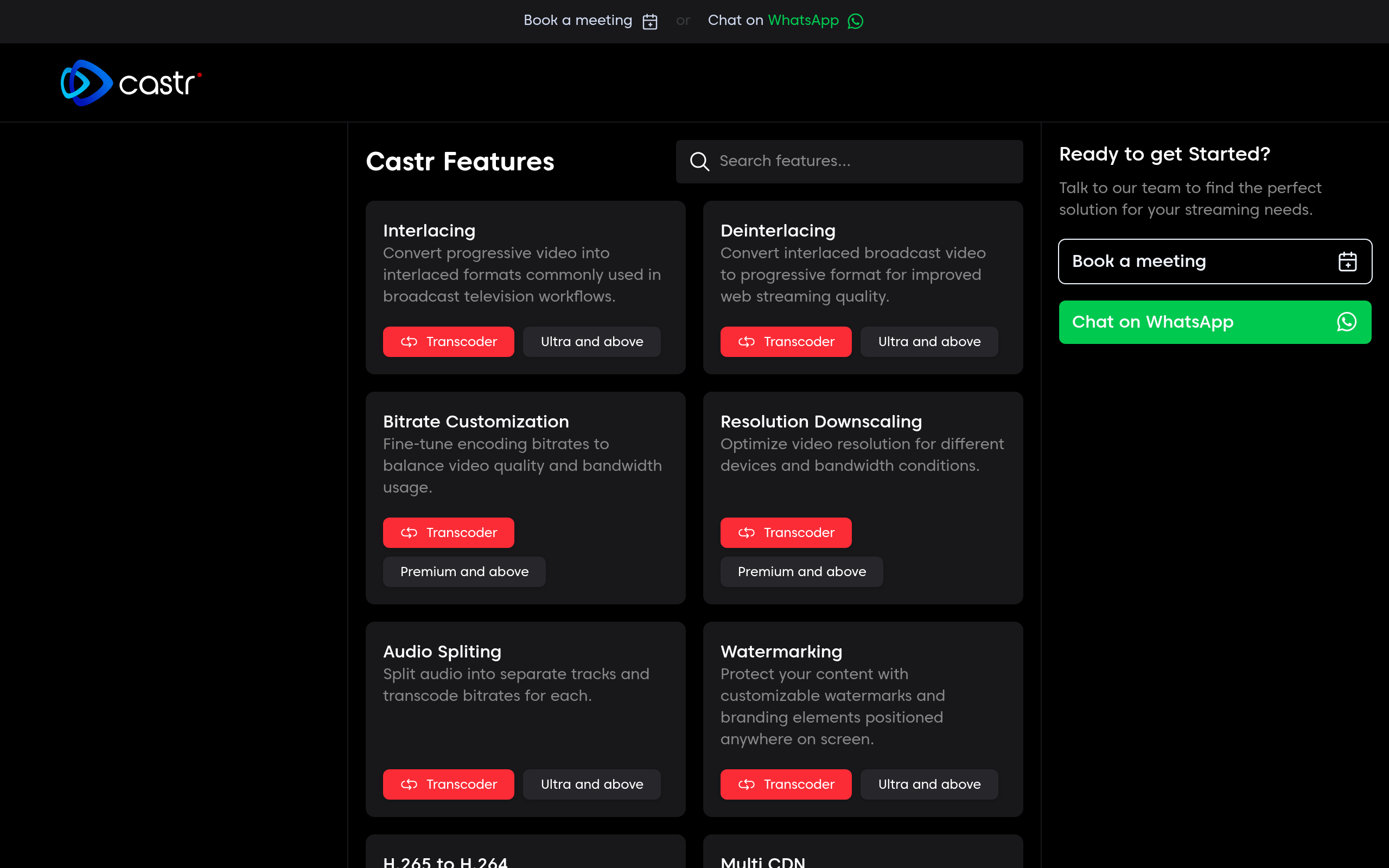
  2. 2Castr logoCastr β€” Pre-recorded 24/7 plus broader streaming
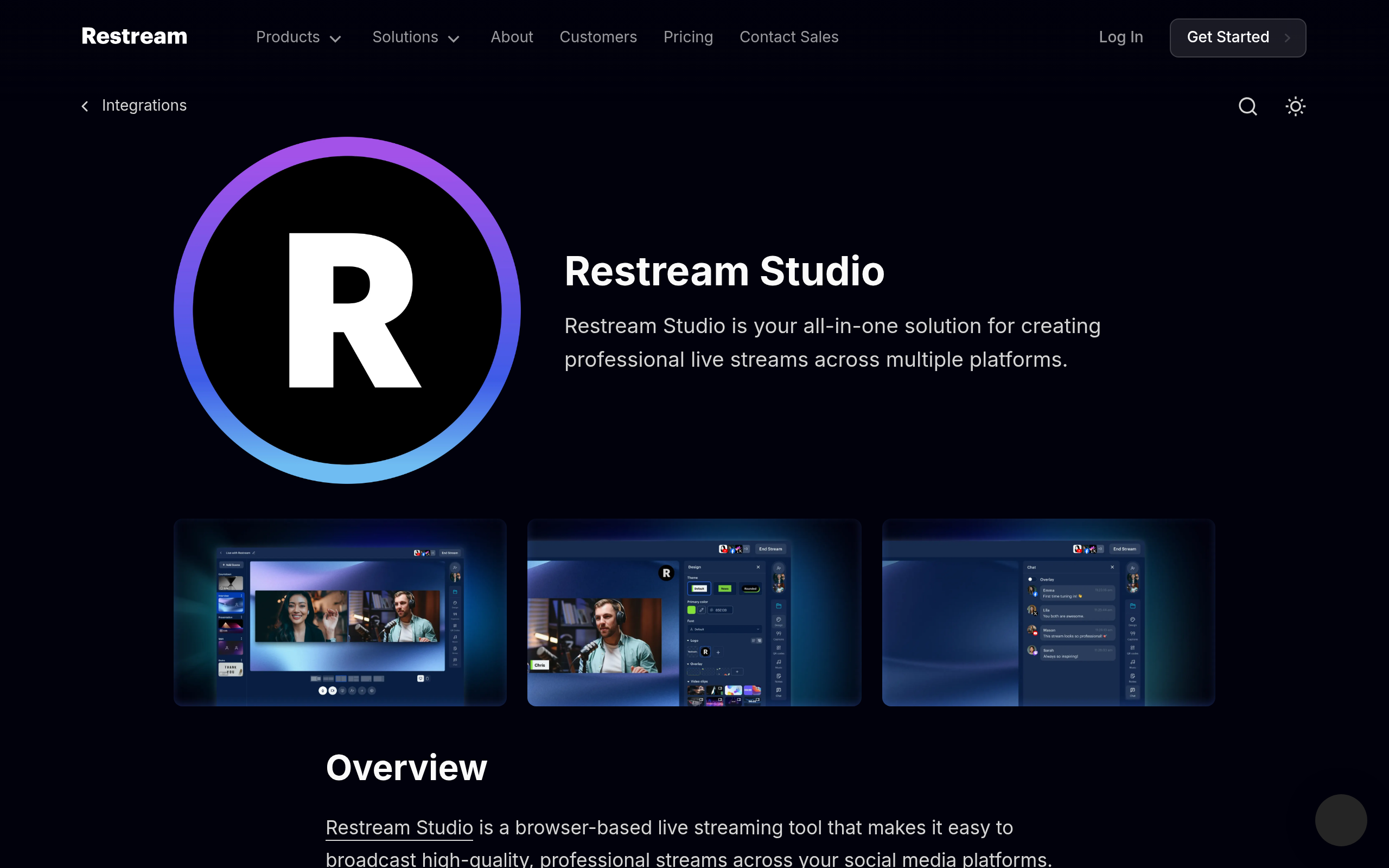
  3. 3Restream logoRestream β€” Live multistreaming with a browser studio
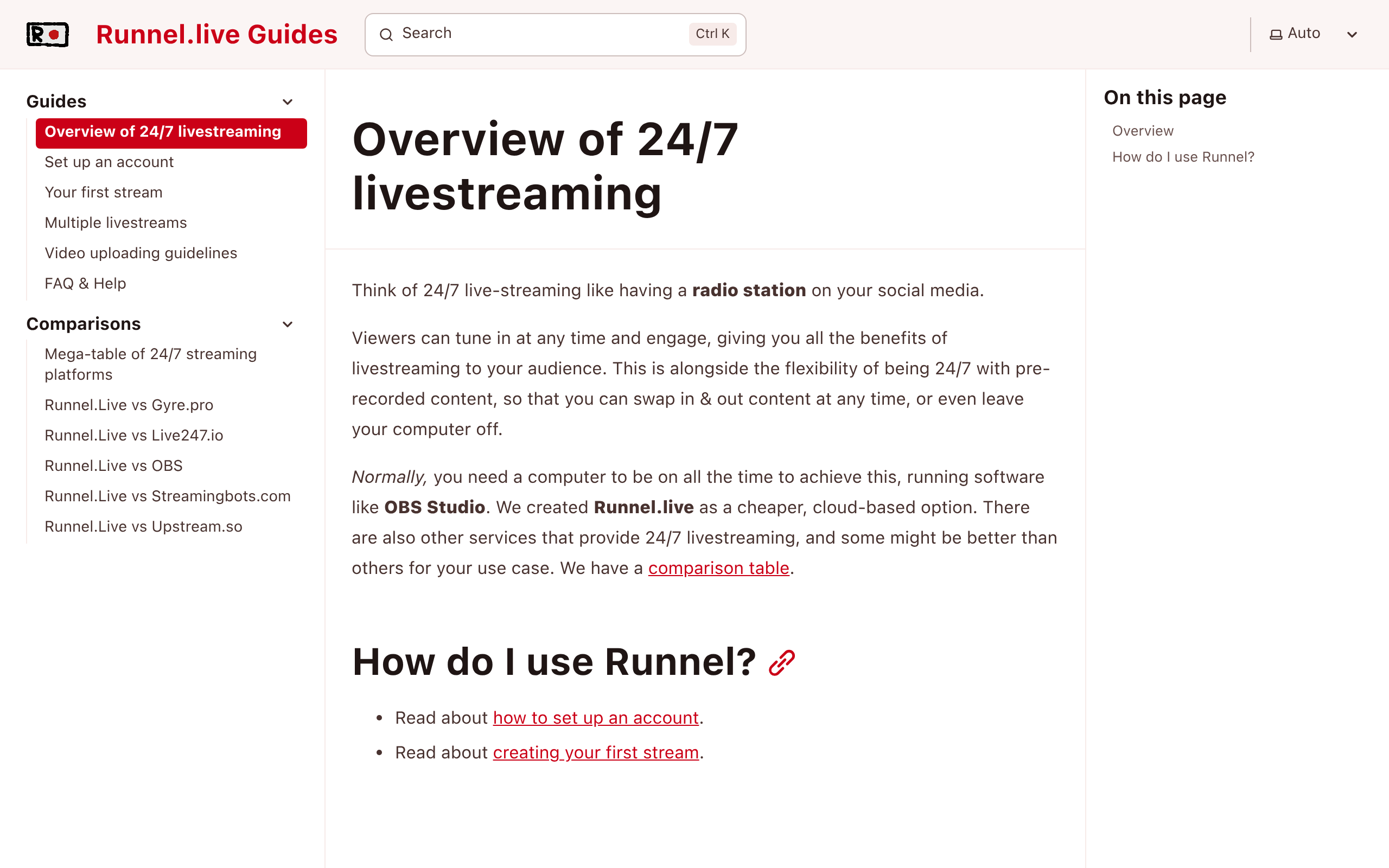
  4. 4Runnel.live logoRunnel.live β€” A bare-bones, budget 24/7 loop
β˜… Our pick
1Streamloop logo

Streamloop

Always-on 24/7 channels without OBS or a PC

Starts at
Pay as you go or choose a monthly credit plan; from about $5/mo at 720p/30fps
Best for
Always-on 24/7 channels without OBS or a PC

Streamloop turns an uploaded video or playlist into a continuous 24/7 live stream to YouTube or any RTMP destination, entirely in the cloud. No OBS, no PC left running, no encoding hardware. Upload, point it at a destination, and a cloud worker loops it live around the clock at up to 4K 60fps.

What's good
  • Pay-as-you-go credits or an optional monthly credit plan
  • Up to 4K at 60fps with automatic monitoring and recovery
  • Loops a video or playlist 24/7 with no PC or OBS
  • YouTube one-click OAuth plus custom RTMP to any platform
  • Import from Google Drive or Dropbox; add a separate audio track
  • Free trial credits, no card required
Where it's not a fit
  • Built for pre-recorded loops, not live webcam input
  • Multistream and the hosted MCP server are still rolling out

Free trial credits, no card required

Start with Streamloop
2Castr logo

Castr

Pre-recorded 24/7 plus broader streaming

Starts at
From $17/mo yearly / $20/mo monthly
Best for
Pre-recorded 24/7 plus broader streaming

Castr offers live and pre-recorded streaming with multistreaming and a scheduler, so it can run a 24/7 loop alongside other streaming workflows.

What's good
  • Pre-recorded 24/7 plus live and multistream
  • Up to 4K with a scheduler
  • Established platform with broad features
Where it's not a fit
  • Broad scope can feel heavier than a focused loop tool
  • Costs rise with storage and add-ons
  • No pay-as-you-go option

Free trial

3Restream logo

Restream

Live multistreaming with a browser studio

Starts at
From $16/mo yearly; looping from $39/mo yearly
Best for
Live multistreaming with a browser studio

Restream is a live multistreaming platform and browser studio. It can schedule pre-recorded video to many destinations, though true always-on looping is a secondary use case.

What's good
  • Mature multistreaming to many destinations
  • Browser-based live studio
  • Large integration ecosystem
Where it's not a fit
  • Built for live first, 24/7 looping is secondary
  • Always-on looping needs higher tiers
  • Pricing climbs quickly with add-ons

Free plan

4Runnel.live logo

Runnel.live

A bare-bones, budget 24/7 loop

Starts at
Pay-as-you-go, ~$6/mo per stream + upload fees
Best for
A bare-bones, budget 24/7 loop

Runnel.live is the cheapest tool in this list if your goal is a simple YouTube-first 24/7 loop. The $6/mo/stream headline is real, and Runnel also supports horizontal/vertical video and up to 4K@60fps.

The tradeoff is that the price is not all-in: uploads are charged separately, with higher fees for UHD and 4K files. Runnel is also intentionally lean β€” no overlays, fewer production features, and its own FAQ says it is designed mainly for YouTube, with Rumble/Twitch only partially supported and Instagram, Facebook, and TikTok not currently supported.

Choose Runnel if lowest possible YouTube loop cost matters more than platform breadth, polished production tools, or all-in pricing. Choose Streamloop if you want pay-as-you-go billing, free uploads/storage, cloud imports, separate audio tracks, vertical streams, YouTube/API or custom RTMP destinations, and a more complete 24/7 loop workflow.

What's good
  • Supports up to 4K and 60fps
  • Simple, focused on the core 24/7 loop
  • Lower entry price than fuller-featured tools
Where it's not a fit
  • Upload fees are charged separately, especially noticeable for large 4K libraries
  • Designed mainly for YouTube; Rumble/Twitch partial, Instagram/Facebook/TikTok not currently supported
  • No overlays or richer production tools
  • Prepaid credits and no refunds
  • Support/features are lean compared with broader platforms

No free plan

Real cost

What a 24/7 stream actually costs, by quality

Streamloop bills by the minute β€” pick a resolution and frame rate and pay only while you're live. Optional monthly credit plans are also available. Below is the cost of a stream running nonstop for a full 30 days.

Quality30 fps / mo60 fps / mo
720p$5$8
1080pMost popular$10$15
1440p (2K)$20$30
4K (2160p)$30$45

Metered by the minute, so a week of streaming costs about a quarter of these figures, and a day about a thirtieth. Plus a one-time ~$0.005 per minute of video to encode it once. Uploads, storage, and idle loops are free.

A 1080p stream running 24/7 on Streamloop is about $10/month β€” and you only pay while it's live. Upstream charges a flat From $24/mo yearly / $30/mo monthly whether you stream all month or not.

Comparison

Upstream compared to the others

All the features that matter, side by side.

FeatureStreamloop logoStreamloopUpstream logoUpstreamCastr logoCastrRestream logoRestreamRunnel.live logoRunnel.live
1Pricing & access
Pay-as-you-go, no subscriptionβœ“βœ•βœ•βœ•βœ“
Free trial (no card)βœ“Free, 24h/moFree trialFree planβœ•
Starting priceFrom $5/mo (PAYG)From $24/mo yr / $30 moFrom $17/mo yr / $20 moFrom $16/mo yr; loop $39/mo~$6/mo (PAYG) + uploads
720p 30-day price$5/mo$24/mo yr / $30 mo––$6/mo + upload fees
1080p 30-day price$10/mo$24/mo yr / $30 mo––$6/mo + upload fees
1440p / 2K 30-day price$20/mo$63/mo yr / $70 mo––$6/mo + uploads
2160p / 4K 30-day price$30/mo$63/mo yr / $70 mo––$6/mo + 4K upload fees
2Streaming quality
720p / 30fpsβœ“βœ“βœ“βœ“βœ“
1080p / Full HDβœ“βœ“βœ“βœ“βœ“
60fpsβœ“βœ“βœ“βœ“βœ“
Up to 4K @ 60fpsβœ“βœ“βœ“βœ“βœ“
Vertical / portrait streamingβœ“βœ“βœ“βœ“βœ“
HDR streaming publicly documentedβœ•β€“β€“β€“β€“
3Production & design
Stream designer / layout builderβœ•βœ“βœ•βœ“βœ•
Image, video & logo overlaysβœ•βœ“βœ“βœ“βœ•
Embed live websites & graphsβœ•βœ“β€“β€“βœ•
Interactive alerts & widgetsβœ•βœ“β€“βœ“βœ•
Custom fonts in overlaysβœ•βœ“β€“βœ“βœ•
Browser Live Studio (camera)βœ•βœ“βœ“βœ“βœ•
4Sources & inputs
MP4 / MKV / AVI / MOV uploadβœ“βœ“MP4 onlyβœ“βœ“
Separate audio track (music / voiceover)βœ“βœ“βœ•βœ“β€“
Import from Google Drive / Dropboxβœ“β€“βœ“βœ“β€“
Playlists with custom orderingβœ“βœ“βœ“βœ“βœ“
Custom loop logic (shuffle, loop counts)βœ“βœ“βœ•βœ•βœ“
Edit the stream live (swap / skip / reorder)βœ“βœ“βœ•βœ•βœ“
5Destinations
YouTube (one-click OAuth)βœ“βœ“βœ“βœ“βœ“
Custom RTMP (any platform)βœ“βœ“βœ“βœ“βœ•
Twitch / Facebook / Kick / TikTokβœ“βœ“βœ“βœ“βœ“
Multistream to several destinationsSoonβœ“βœ“βœ“βœ“
One-click YouTube (no stream key)βœ“βœ“βœ“βœ“βœ•
SRT ingestβœ•β€“βœ“βœ“βœ•
6Lifecycle & automation
True 24/7 continuous loopβœ“βœ“βœ“βœ“βœ“
YouTube broadcast lifecycle automationβœ“βœ“βœ“βœ“βœ•
Schedulingβœ“βœ“βœ“βœ“βœ“
MCP / agent integrationHosted server (OAuth)β€“βœ•β€“β€“
YouTube ad cue pointsβ€“βœ“βœ•βœ“β€“
Edit title / description / thumbnail liveβœ“β€“β€“βœ“β€“
Public APIβœ“βœ•βœ“βœ“β€“
Unlimited loop without manual reschedulingβœ“βœ“βœ“10 loops / 40h maxβœ“
7Limits & inclusions
Storage includedUnlimited (free, fair-use)100GB100GB (Starter)–No fixed included amount; pay-per-GB one-time ($0.03 SD / $0.07 HD / $0.2 UHD / $0.5 4K per GB), up to 100GB per upload
Concurrent streams / slots–12-3 (Starter)2 channels (Free); paid entry plan 3 channelsUnlimited
Max multistream destinations1 (multistream on roadmap)1030 (top plan); 6 on entry Starter plan8 simultaneous (Business); 25+ on Enterprise; 30+ platforms total1 (no multistream fan-out)
Videos per playlist–––40 videos per playlistNo published limit (bulk-upload as many videos as you like)
Max upload size / length10 GB per file–4GB-10GB per file depending on plan; 240 min/file on Premium/UltraFree: 15 min / 250MB; Business: up to 2 hours / 5GB per file100GB and 4 days max per file (min 100MB / 20s; max 6,000px/side)
Team / multi-user accessβœ•βœ“3 members (Premium), 5 (Ultra)βœ“βœ“
No watermarkβœ“βœ“βœ“βœ“β€“
8Reliability & support
Automatic monitoring & recoveryβœ“βœ“βœ“βœ“β€“
Backup streamsβœ“βœ“βœ“Enterprise only–
Chat / email supportβœ“βœ“βœ“βœ“βœ“
Uptime guarantee / compensationβœ•βœ“β€“β€“βœ“
In-app viewer analyticsβœ“β€“βœ“βœ“β€“
9Trust & account
Trustpilot rating–4.7 (200)~4.0 (54)4.5 (~471)4.1 (~5-10 reviews)
YouTube-Verified encoderβœ“βœ“β€“βœ“β€“
Two-factor authenticationPasskeysβœ“βœ“βœ“β€“
β˜… Key differentiatorβœ“ Feature includedβœ• Not included– Not publicly documented
Decision guide

Which one should you choose?

A quick decision framework based on what you actually need.

You want a focused 24/7 loop with pay-as-you-go or an optional monthly planStreamloop Β· Pay as you go or choose an optional monthly credit plan; free trial credits
You need pro, TV-style playout or OTT deliveryCastr Β· Broader broadcast and hosting toolset
You mostly run live multistream showsRestream Β· Browser-based multistream studio
You want the cheapest barebones YouTube loopRunnel.live Β· Budget, pay-as-you-go
FAQ

Upstream alternatives: FAQ

The questions people actually ask before switching

What is the best Upstream alternative?

For flexible 24/7 looping, Streamloop is our pick: use pay-as-you-go credits or an optional monthly credit plan. Castr and Restream suit broader streaming needs; Runnel.live is a budget option.

Is there a free Upstream alternative?

Streamloop offers free trial credits with no card, and Restream has a free plan. Most full 24/7 looping happens on paid usage.

Which Upstream alternative is cheapest?

Pay-as-you-go pricing on Streamloop is usually cheapest for an always-on channel because you only pay for what you stream.

Your 24/7 channel is one upload away

Stop leaving a PC running. Upload a video, point it at YouTube or any RTMP destination, and Streamloop loops it live around the clock.

r/lofi Β· 24/7
πŸ”΄ LIVE Β· lofi beats to study/relax to
YouTube Β· LIVE
Your highlight reel, looping all day
Twitch Β· LIVE
Marathon replay β€” no PC, no OBS
Kick Β· LIVE
Ambient channel running 24/7